
ZArchiver
ZArchiver is a free archive manager for Android by Ant-ON for opening and creating compressed files. This page covers version 1.0.10.
5.1 MB

5.9.18 · MediaFire · Page updated
MediaFire for Android is the mobile app of the MediaFire file hosting service for uploading, storing and sharing files from your phone.
Average 0.0 · ratings: 0
Thank you! Your rating is saved; you can change it. Could not save the rating. Please try again later. Too many ratings from your network today. Please try again tomorrow. The average appears after 5 ratings.
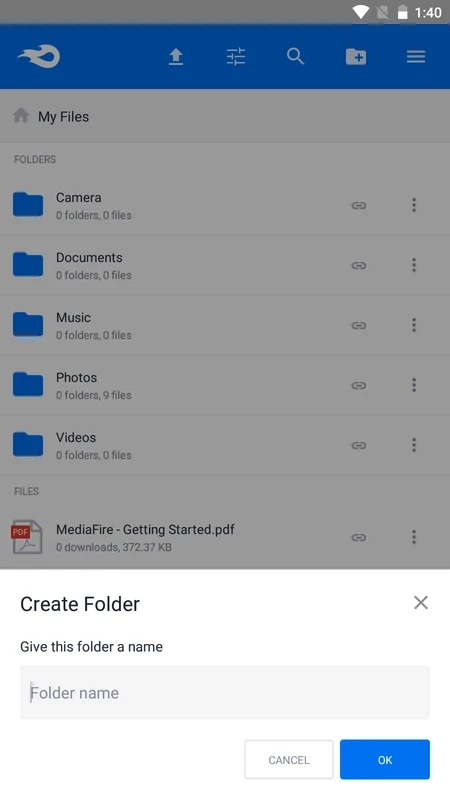
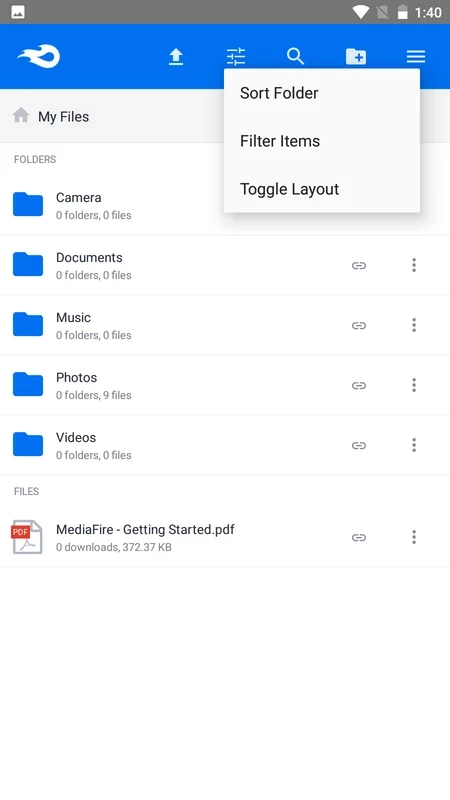
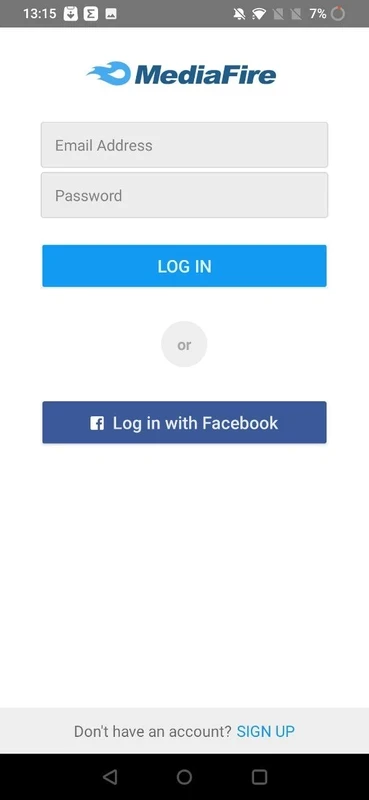
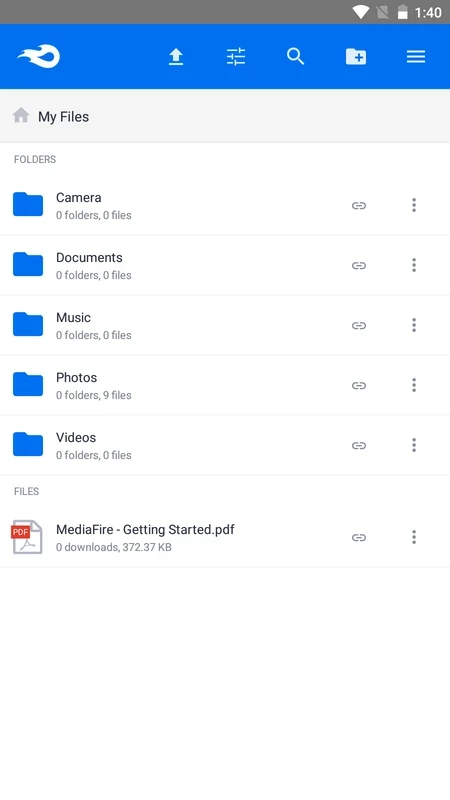
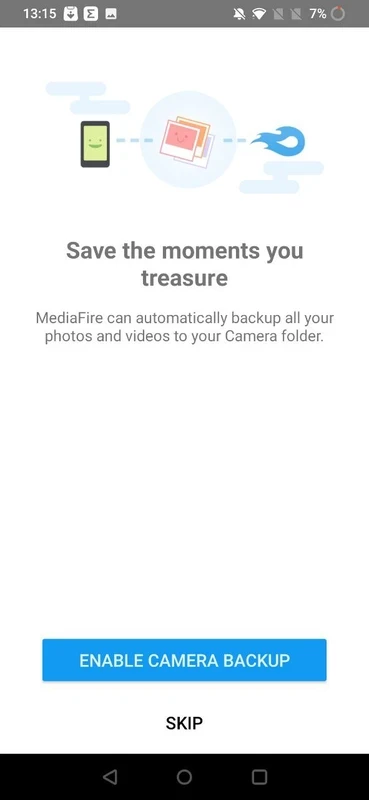
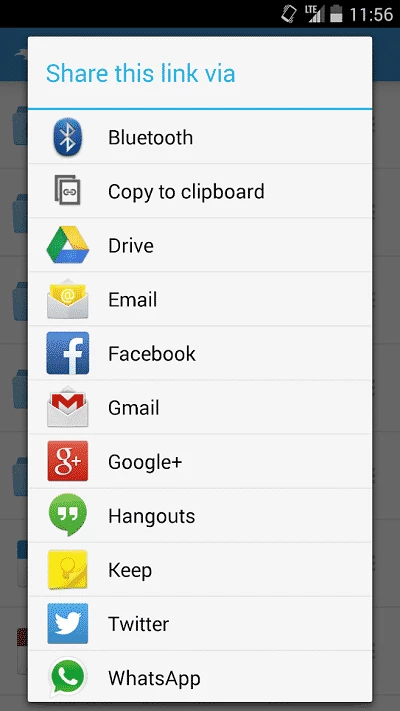
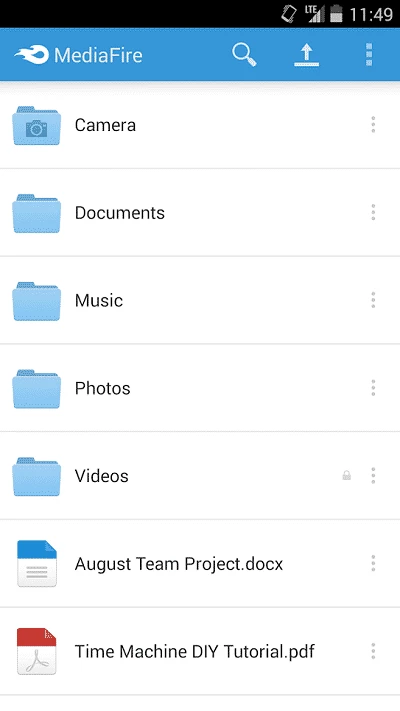
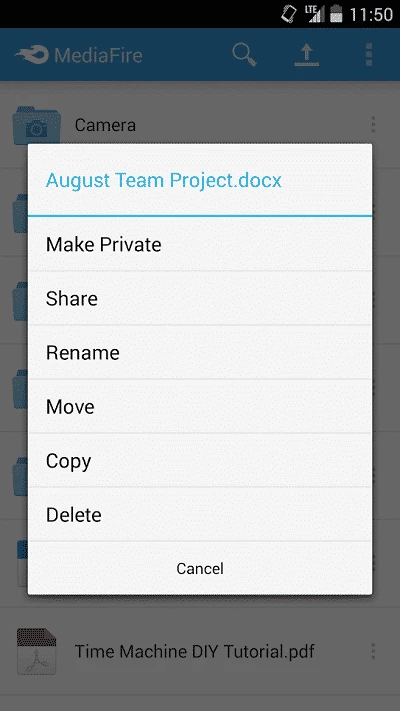
MediaFire 5.9.18 is the Android app of MediaFire, a file hosting service that has been online since 2006. With it you can download files shared with you, upload photos and documents from your phone and send links to them, all from one place.
MediaFire is widely used as a place where people share large files by link: a creator uploads a project, a teacher posts materials, a friend sends a folder of holiday photos. On a phone, the app turns that into a simple routine. You sign in to your account, see your folders, upload new files from the gallery or file manager and copy a share link that anyone can open in a browser. Files others shared with you can be saved to your account and opened later instead of being downloaded again. For people who mostly work on a computer, the Android app is a handy way to reach the same storage while away from the desk, and it removes the need to email attachments that are too big for a mail service.
Because anyone can upload to a file host, a MediaFire link is only as trustworthy as the person who sent it. Avoid APK files and executables from unknown sources, check archives with an antivirus before opening them, and be wary of links that promise paid apps or game cheats for free. For your own files, turn on a strong password and do not make private documents public with a shareable link.
Large uploads on mobile data can pause when the screen locks or the connection changes. Keep the app open over Wi-Fi for big files, check free space on the phone before saving downloads, and update the app if sign-in or previews stop working.
Create folders for projects, school or work rather than keeping everything in one list, and delete old uploads you no longer share. Clear names make files easier to find on the phone, where the screen shows fewer items at once, and help people who open your links understand what they are downloading.
Other storage apps for Android in our listings: MEGA, Google One and TeraBox; for archives on the phone, ZArchiver and RAR.
ZArchiver is a free archive manager for Android by Ant-ON for opening and creating compressed files. This page covers version 1.0.10.

MEGA is a cloud storage and file hosting service from Mega Limited. This page covers the Android app, version 16.12.

Google One is Google's Android app for managing shared account storage, phone backup and paid storage plans.
RAR for Android is an archive app from Rar Lab for creating and extracting compressed files on your phone.
TeraBox for Android is Flextech's cloud storage app for backing up photos, videos and documents from your phone and accessing them later.